The Manual Way vs. One Command
What used to take a weekend now takes minutes
Without this tool
- Download OpenCore manually
- Find the right kexts for your version
- Edit config.plist by hand
- Build GPT disk image with dd
- Generate SMBIOS with GenSMBIOS
- Figure out QEMU args for your CPU
- Download recovery from Apple API
- Convert DMG with dmg2img
- Write 15+ qm commands
- Debug boot failures alone
vs
With OSX Proxmox Next
- Run one command
- Pick your macOS version
- Pick your storage
- Review the dry-run
- Hit install
- Done.
How It Works
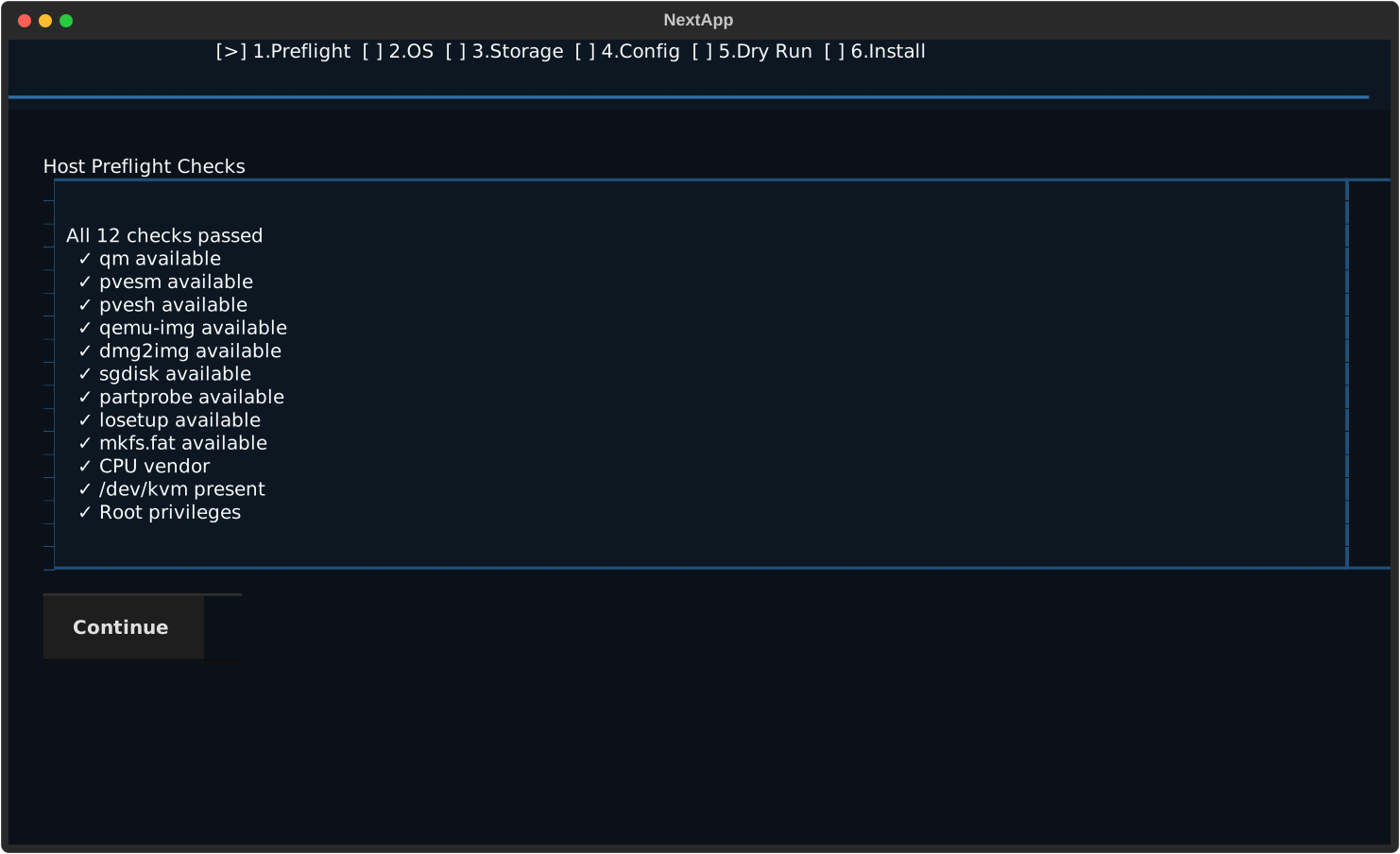
Three steps from bare metal to macOS desktop
1
Install
One command installs the tool on your Proxmox node. Python venv is created automatically.
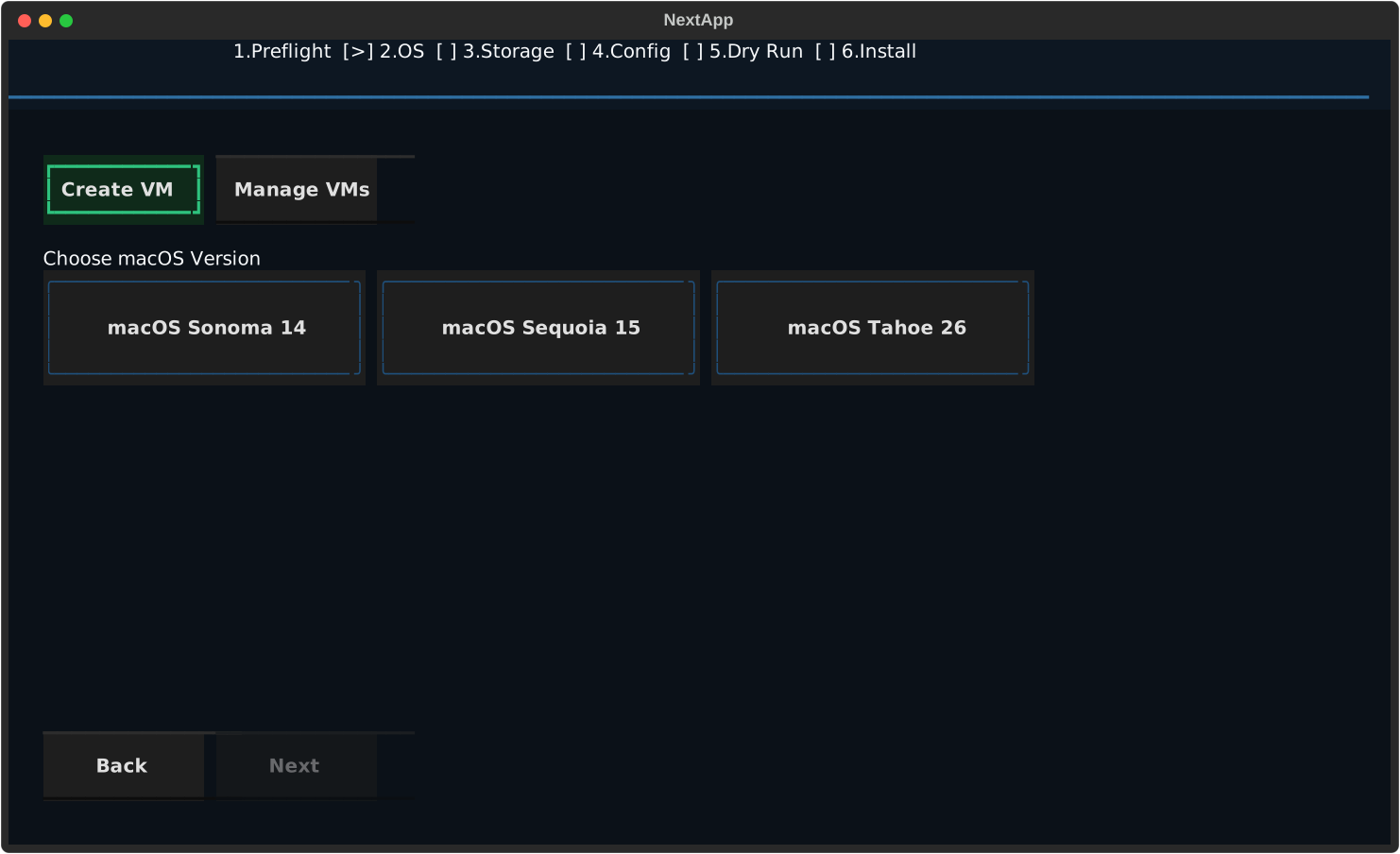
2
Choose
Pick your macOS version and storage. CPU, RAM, and SMBIOS are auto-configured.
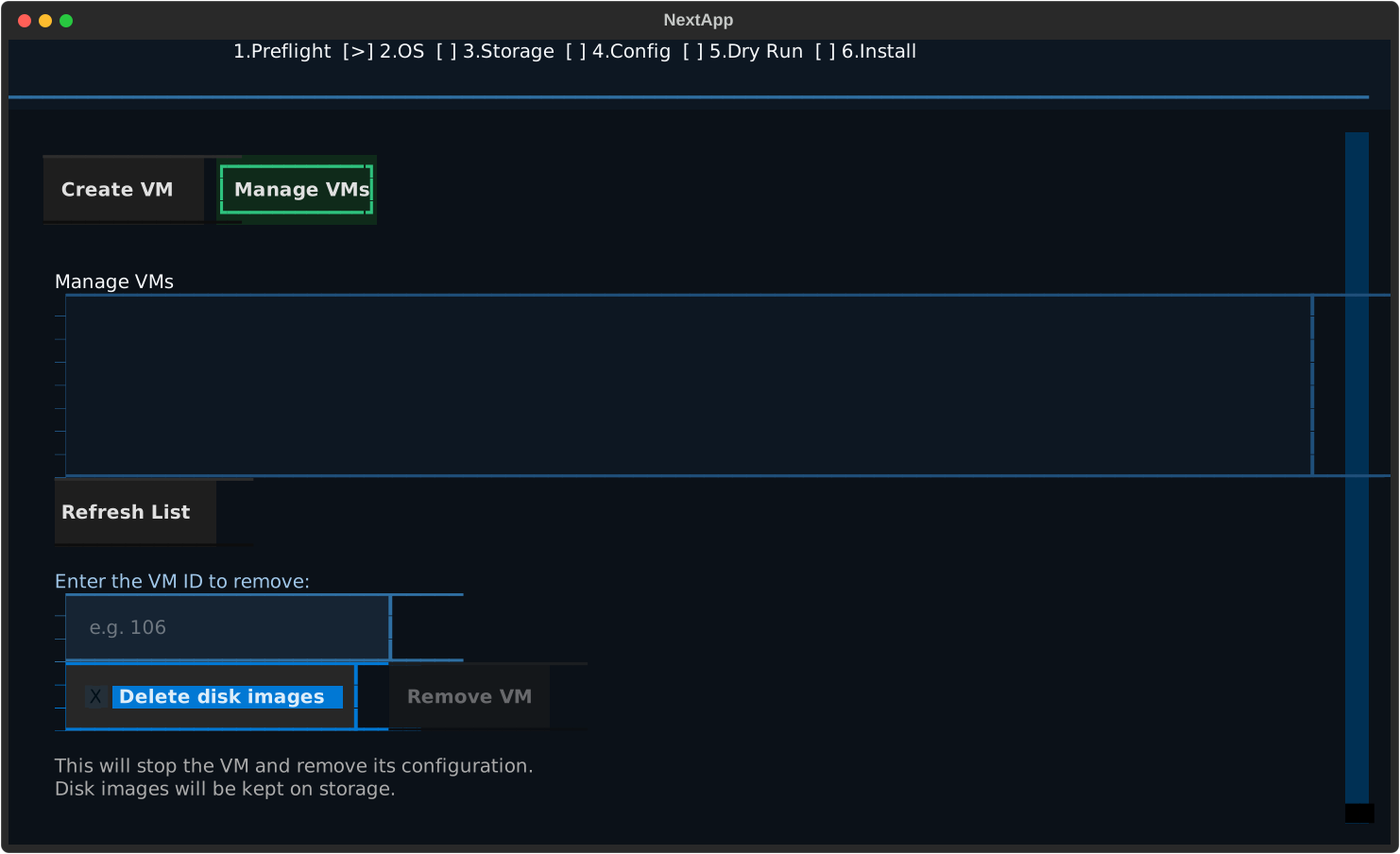
3
Run
Review the dry-run, hit install. OpenCore, recovery, and VM are created automatically.
Everything You Need
Built for the Proxmox community
🔍
Auto-Detection
Detects your CPU (Intel, AMD, Xeon), cores, RAM, and storage pools. Picks the right boot flags automatically.
🔧
OpenCore Built-In
Builds a GPT+ESP bootloader with all required kexts and drivers. No manual OpenCore setup.
🆔
SMBIOS Generation
Generates valid Apple serials, MLB, UUID, and ROM. iCloud, iMessage, and FaceTime just work.
📦
Smart Caching
Downloads recovery and OpenCore once, reuses across VMs. Use shared storage for multi-node clusters.
👁️
Dry-Run Preview
Review every qm command before it touches your system. Nothing runs until you approve.
⚡
Two Interfaces
Interactive TUI wizard for first-timers. CLI with JSON output for scripting and automation.
4
macOS Versions
3
CPU Platforms
6
Wizard Steps
<10min
Setup Time
Supported macOS Versions
From stable and tested to bleeding edge
Ventura
macOS 13
Full Apple ServicesSonoma
macOS 14
RecommendedSequoia
macOS 15
Limited ServicesTahoe
macOS 26
Bleeding EdgeBuilt with the Community
Real feedback from real users shaping this tool
"osx-next worked. And it's created the VM, started it and the VM is showing Tahoe!"
@rndthoughts
First successful Tahoe install
"With the fix, I got past the issue and Sonoma is now installing. Installation worked!"
@bjornik
Sonoma install on Proxmox 9
"Awesome, thanks for the quick response and resolution!"
@superdooper86
SMBIOS fix for Proxmox 9 base64 encoding
Under the Hood
Plan-then-execute architecture with mandatory dry-run
Your Config→Validate→Plan→Dry-Run→Execute→macOS VM
Ready to run macOS on Proxmox?
One command. Pick your macOS. Hit install. That's it.